
Free
$0/mo
Kick the tires. Five runs a month.
- All shipping question types
- Review-gate enforced
- Every LMS Kudos covers
- Community Discord
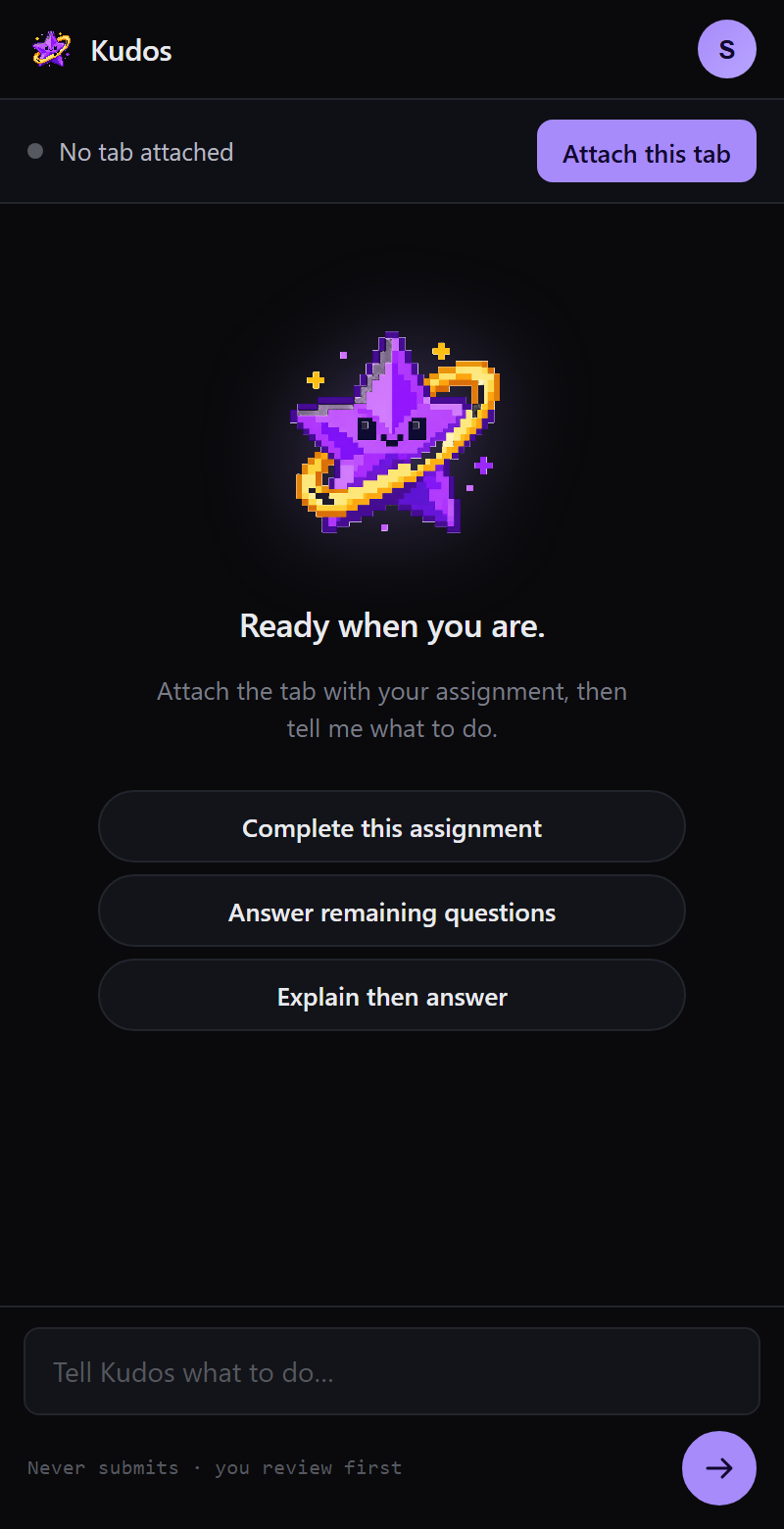
Kudos reads the assignment on your active Chrome tab and drafts answers — multiple-choice, fill-in-blank, matching, dropdown — across Canvas, Blackboard, McGraw-Hill Connect, Pearson MyLab, and Cengage. You review the drafted answers and submit yourself. Kudos never submits for you — the review gate is enforced in code, not policy.
Compatible with
The product
01 · The run
Tool logs stream into the sidepanel as they fire. You see every click, every fill, every scroll. The exact play-by-play of what Kudos did on your page.
02 · Review gate
Every submit-style button is intercepted at the content-script layer. Enforced by code, not a promise.
Submit Assignment
Blocked · submit_intercepted
Ready for review
30 answers filled · you click submit
03 · LMS-aware
Attach to a Connect tab and the sidepanel loads Connect-tuned prompts. Same for Pearson, Canvas, Cengage.
04 · Under the hood
How it works
kudos · demo · run against Connect (2× speed)
The stack
Kudos is not a wrapper around a chat window. It's a real browser agent with real constraints, real bounds, and real review-safety at the code level.
Coverage
| Question type | Connect | MyLab | Canvas | Cengage |
|---|---|---|---|---|
| Multiple choice | Yes | Yes | Yes | Yes |
| Multi-select | Yes | Yes | Yes | Yes |
| Fill-in-blank | Yes | Yes | Yes | Yes |
| Dropdown | Yes | Yes | Yes | Yes |
| Numeric | Yes | Yes | Yes | Yes |
| Short answer | Beta | Beta | Beta | Beta |
| Matching / drag-drop | Beta | Q4 | Beta | Q4 |
| Ordering / sequence | Q4 | Q4 | Q4 | Q4 |
| Essay / paragraph | No | No | No | No |
| Proctored exams | No | No | No | No |
Shipping Beta Q4 2026 Never · out of scope
Pricing
Free
$0/mo
Kick the tires. Five runs a month.
Student
$9.99/mo
Unlimited runs. Priority queue.
Semester
$29/sem
One payment. Four months. Locked.
From the beta
Ran my Friday Connect assignment through Kudos. Nine minutes total, including a coffee. My grade is the same. My Friday isn't.
What I actually like is that it does not submit. I caught a stupid opportunity-cost mistake on second pass. That's the right amount of trust to give an AI.
I paid for a tutor last year for the exact assignments Kudos does in forty seconds. Kudos costs a coffee.
Get in
Drop any email you check. We invite in small waves as each LMS hardens. Personal, school, throwaway. Whatever you check.
You're on the list. Watch your inbox.
Prefer to lurk first? Come to the Discord →
FAQ
That's a question only you and your institution can answer. Kudos is a study assistant — comparable to Grammarly for writing or Photomath for math. It drafts answers you review and submit yourself. Some professors treat AI study tools as fair game; others draw the line differently. Check your syllabus, ask your professor if you're unsure, and always follow your school's academic integrity policy.
Your school login never leaves the tab it's already in. Kudos only reads the assignment page you explicitly attach, and page content is sent to the language model that drafts answers on a per-request basis — not retained after the response. Full details in the privacy policy.
The review gate exists for that reason. Every answer is filled in but nothing is submitted; you skim, fix, submit. Beta students report 90-95% accuracy on multiple choice and fill-in-blank; higher on well-taught intro courses, lower on niche upper-division ones.
Chrome and Chromium-based (Brave, Arc, Edge, Vivaldi). Firefox and Safari are on the roadmap once we can ship the review-gate architecture to their extension APIs.
Yes, on the Semester plan. Bring an OpenAI, Anthropic, Groq, or any OpenAI-compatible endpoint. Kudos uses your key; we take a smaller platform fee.
Rolling beta through October 2026. Public launch mid-October, in time for midterms. Waitlist above. First 500 lock in half off.